Case study 03 · EAV Labs
EAV Field
An Expo React Native app for field inspections, offline reporting and reliable backend sync.
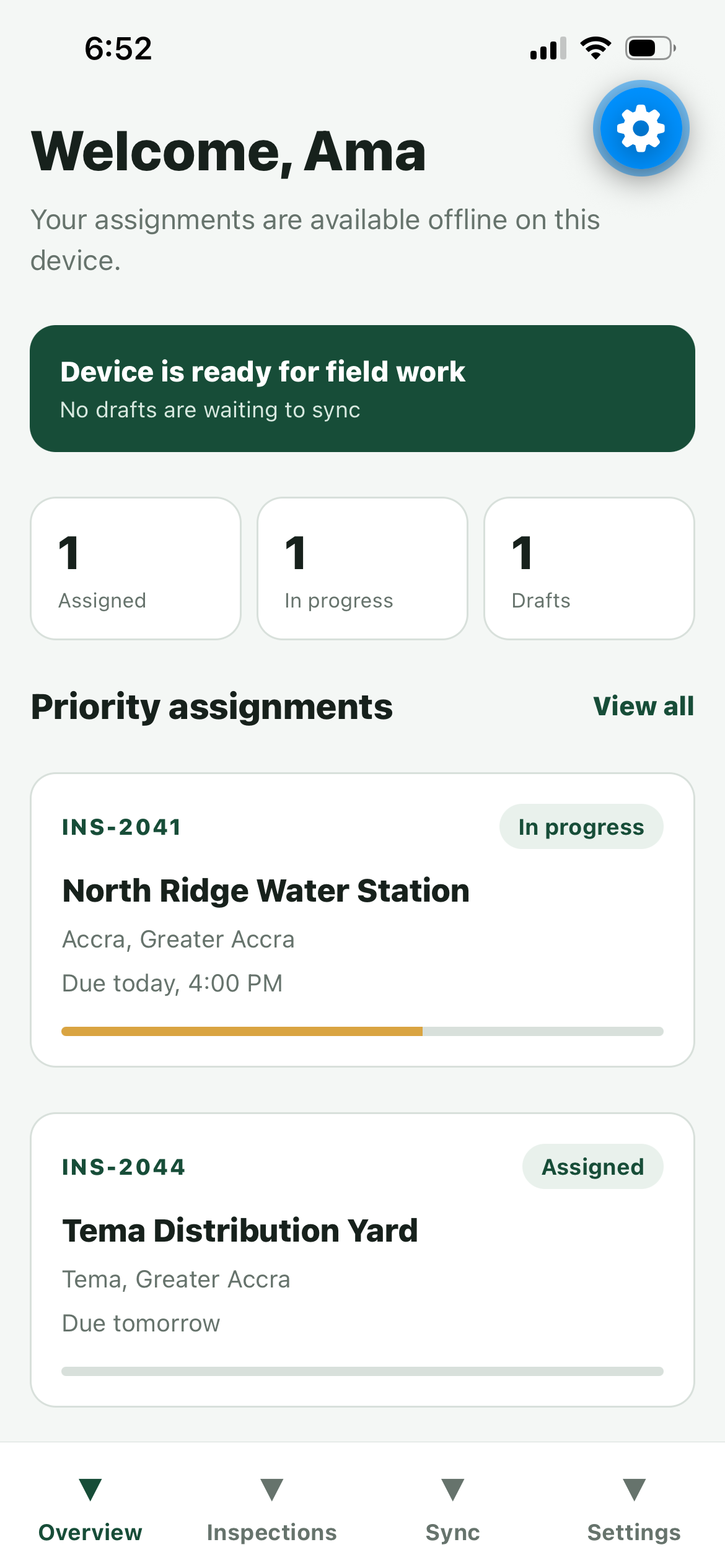
Built for where the signal drops
Field work rarely happens at a desk with good Wi-Fi. I built Field to get the offline parts right first (caching, drafts, photos and sync) before any polish.
Work that has to survive a bad connection
Field teams often work where connectivity is unreliable.
Inspection records must stay usable without a network, save safely on the device, and synchronise without losing work when connectivity returns.
What I did
I built the app with Expo and React Native: the SQLite offline cache, draft autosave and recovery, durable photo storage, the upload queue and the demo mode, with Jest tests around the parts that must not lose data. Stage 1 covers iOS; Android is not visually certified yet.
Offline first, sync on purpose
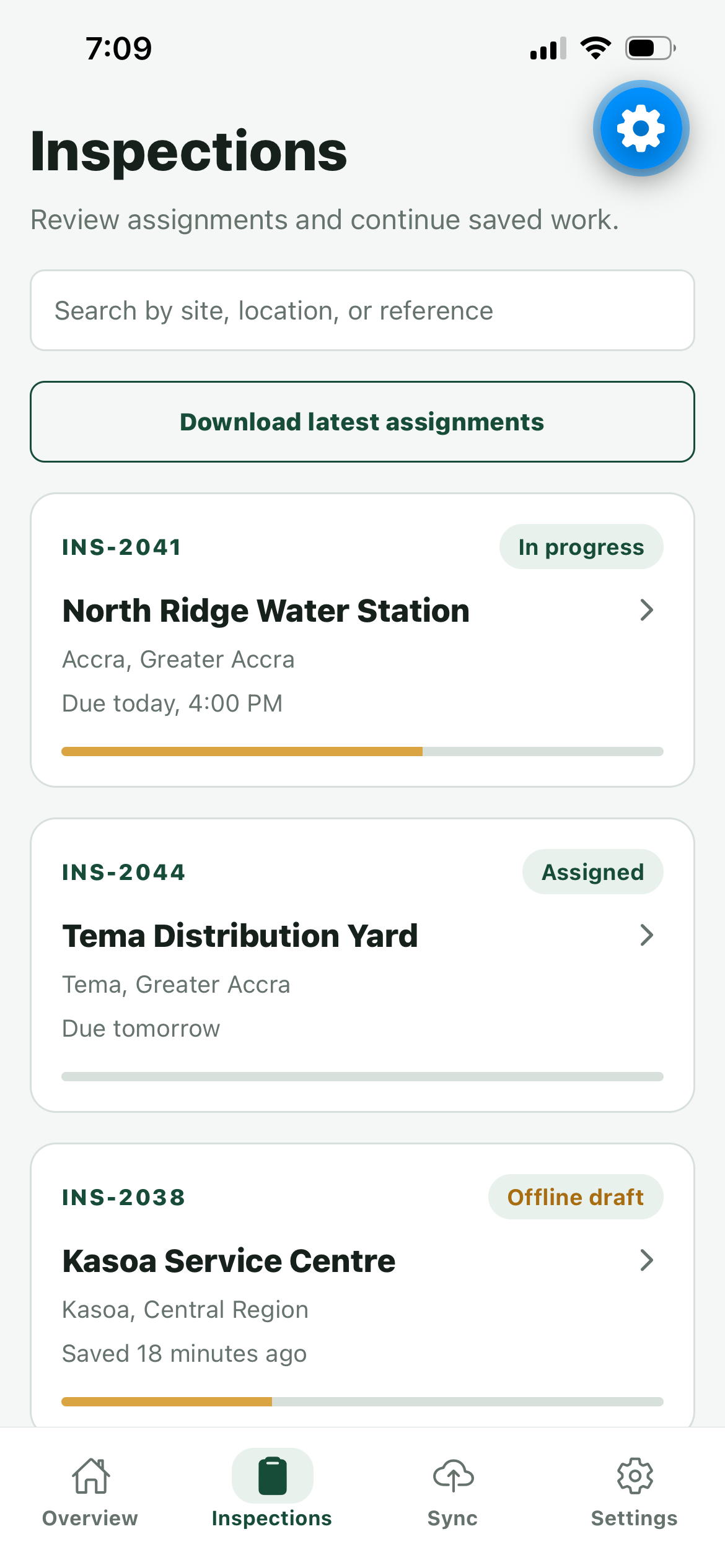
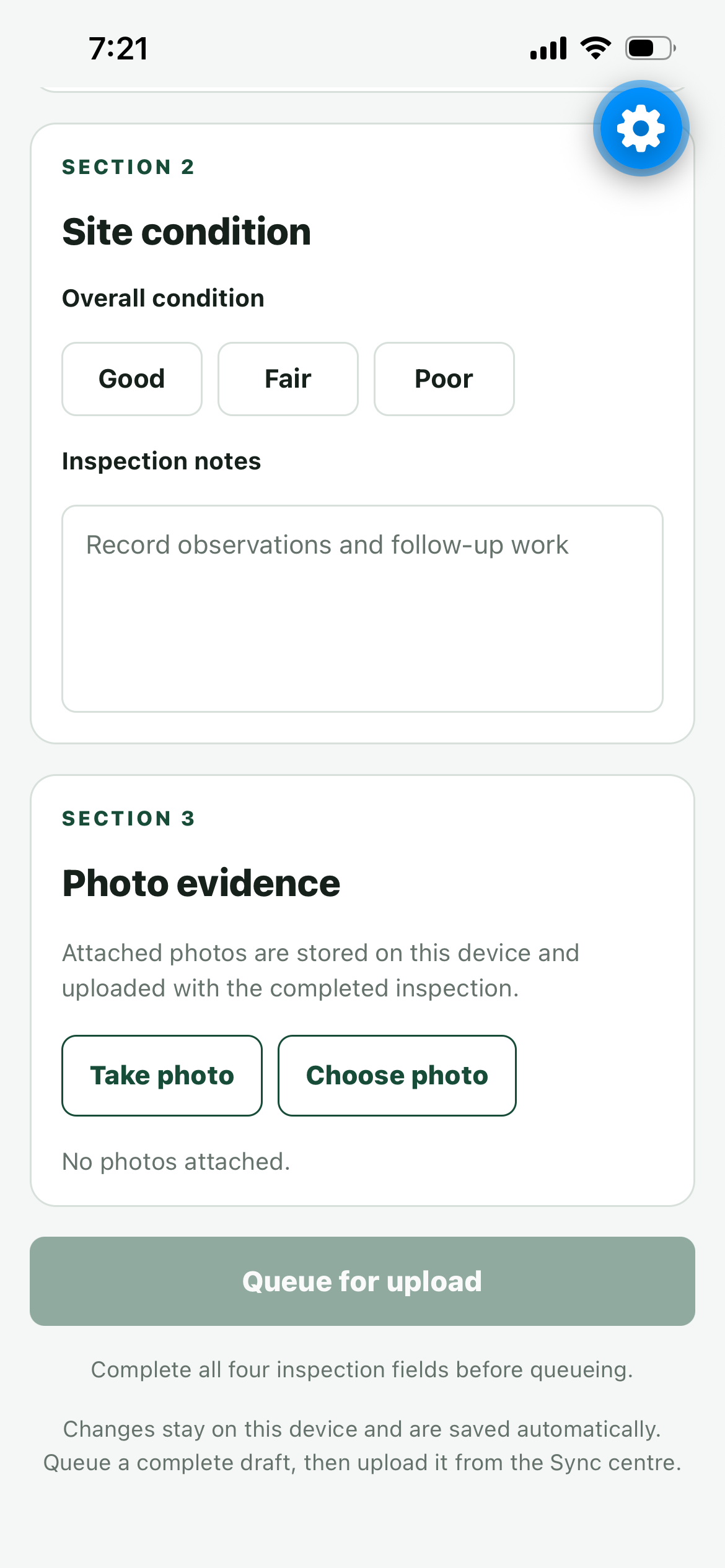
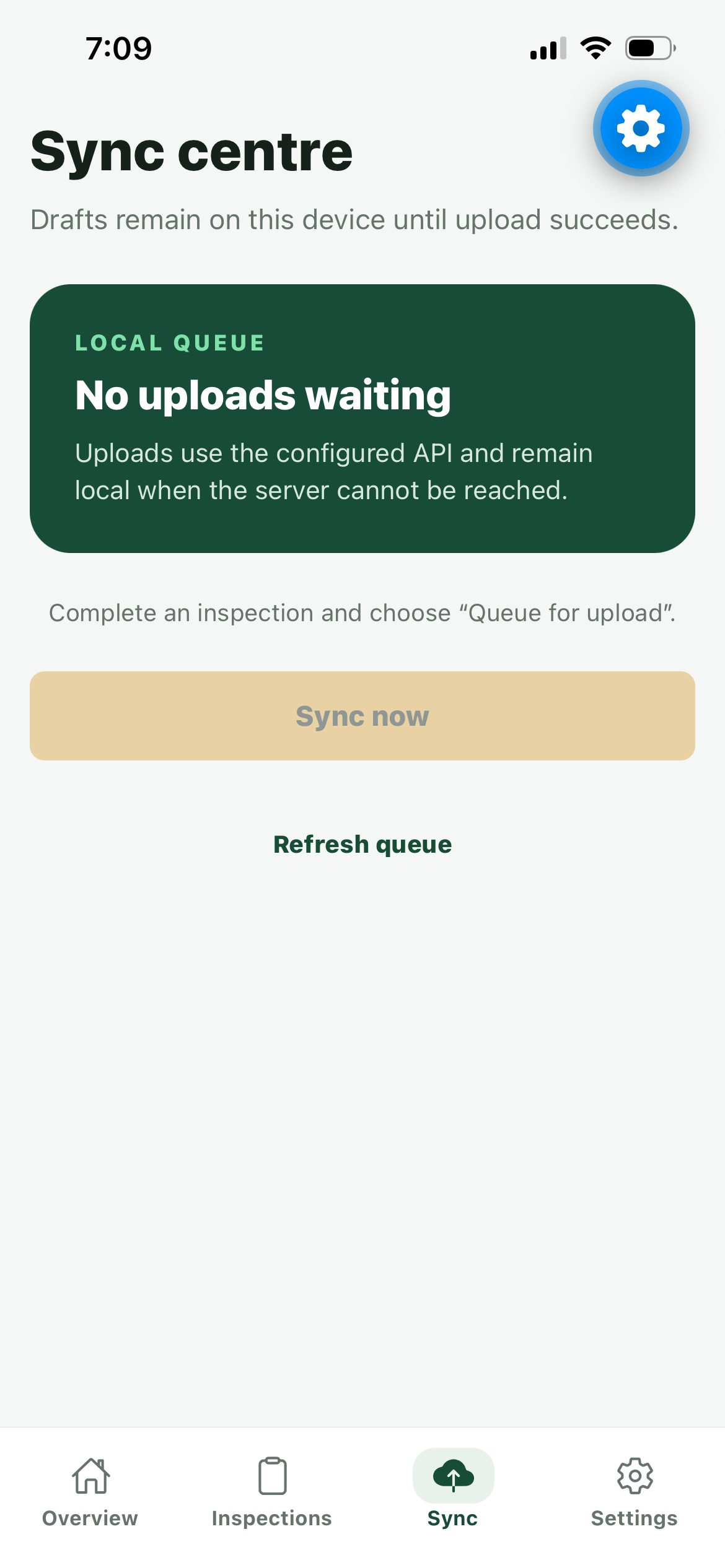
Offline first: assignments are cached atomically in SQLite, drafts autosave and recover, photos are copied into durable storage, and uploads wait in an explicit queue until the user syncs.
Decisions that shaped it
An atomic offline cache
Authenticated assignment downloads land in a versioned SQLite schema through bound-parameter repositories.
Why: An inspector should never open the app to a half-downloaded list. Writing the cache atomically means it holds either the old data or the new, never a mix.
Work is never lost
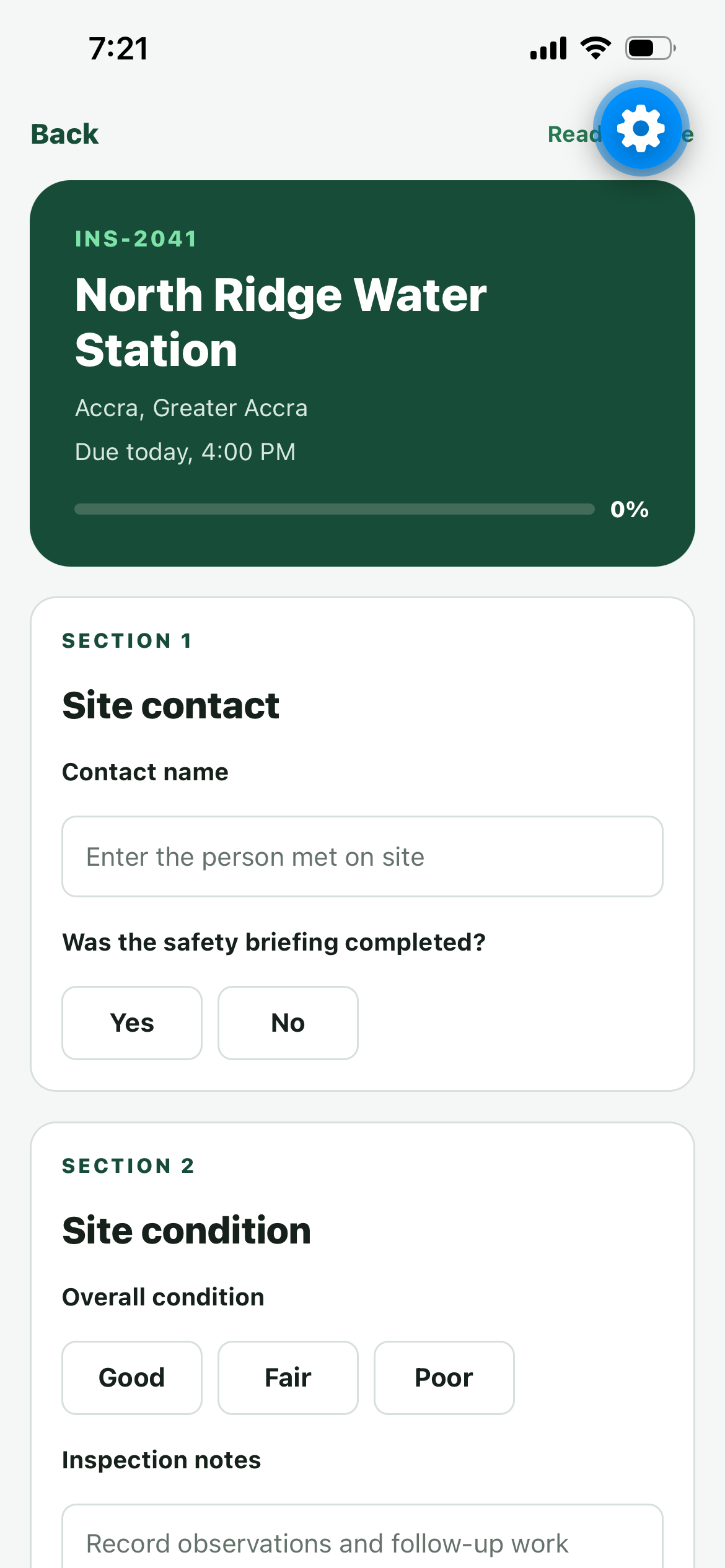
Drafts autosave with debouncing and recover on restart; photos are copied into durable device storage.
Why: Losing a half-finished inspection to a crash or a flat battery is the fastest way to lose a user’s trust. The trade-off is extra storage on the device.
An explicit upload queue
Guarded transitions, failure metadata, manual retry and startup recovery for uploads interrupted mid-flight.
Why: An explicit queue makes sync visible and recoverable: you can see what is waiting, what failed and why, and try again. The trade-off is that sync waits for the user instead of running in the background.
Honest demo mode
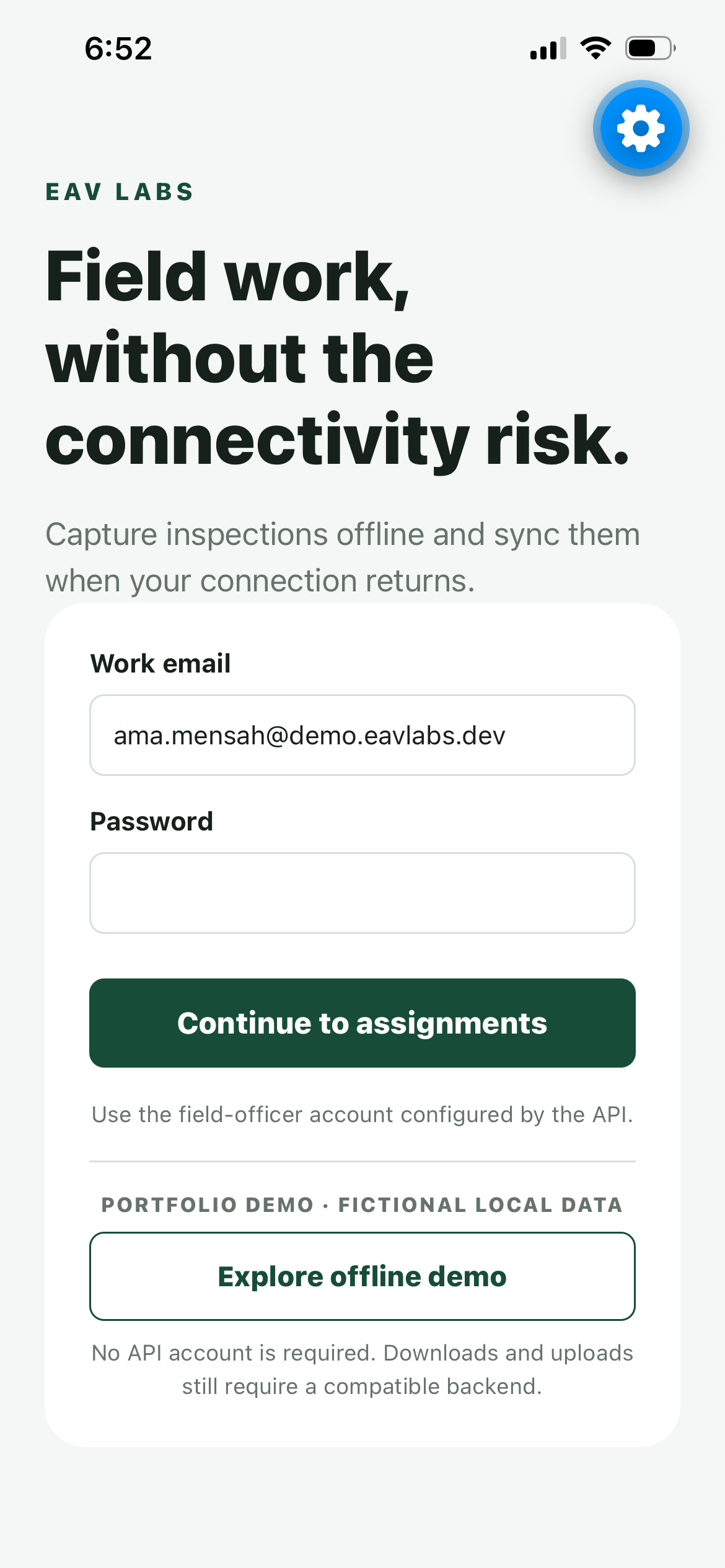
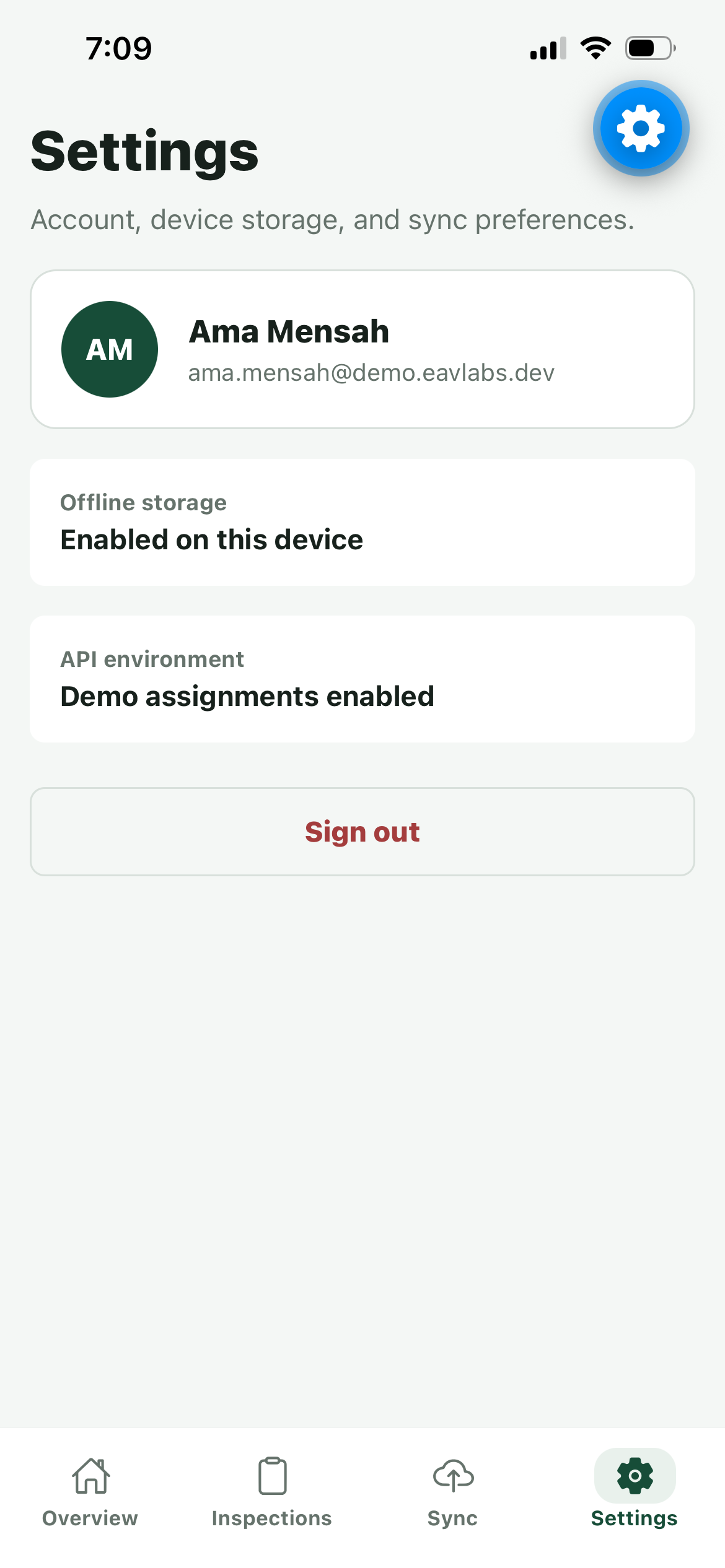
A fictional offline demo exists only when explicitly enabled, so reviewers can explore without a live Field API.
Why: Reviewers can try the whole flow without a backend or an account, and the data is plainly fictional, so nothing is passed off as real usage.
Stage 1, verified on a real iPhone
Stage 1 is complete: the offline demo flow was verified and captured on a physical iPhone.
Known limits
- Sync is user-initiated; there is no background connectivity worker.
- No automatic conflict resolution yet.
- Visual evidence is iOS only; Android is not visually certified.
- No store submission or production usage is claimed.